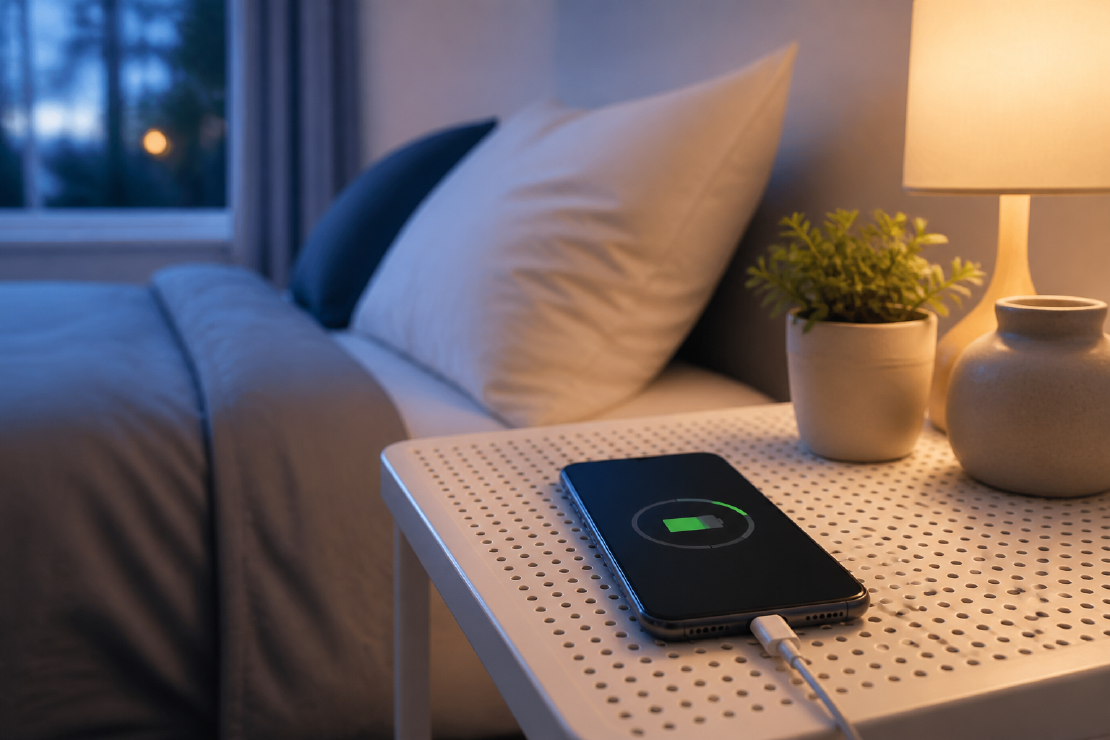
The useful phone-battery advice is boring: avoid excessive heat, use compatible charging equipment, keep built-in battery-health features enabled, and replace the battery when ageing makes the phone impractical.
You do not need to wake at night to unplug at 80%.
Heat matters
Apple advises avoiding charging or leaving an iPhone in hot environments for extended periods. Google recommends charging Pixel phones in a cool place. Heat can come from the room, direct sun, a car dashboard, heavy use while charging, a thick insulating setup or unsuitable equipment.
If the phone becomes unusually hot:
- move it out of sun;
- stop demanding tasks;
- remove an insulating case if the manufacturer permits and it is clearly trapping heat;
- check the charger and cable;
- let the phone manage or pause charging;
- investigate repeated overheating rather than treating it as normal fast charging.
Do not cool a phone in a refrigerator or with condensation-producing methods.
Partial charging is fine
A charge cycle is based on cumulative battery use, not the number of times a cable is connected. Apple gives the example that using 75% one day and 25% the next totals one complete cycle. Partial charging during the day does not itself harm the battery.
There is no general need to avoid short top-up charges. Charge when it suits normal use and follow the device manufacturer’s guidance.
Use the built-in features
Modern phones manage charging to reduce time spent at stressful conditions. Depending on model and software, features may include:
- optimised or adaptive charging that learns a routine;
- a charge limit;
- slower completion near full;
- temperature-based charging pauses;
- battery-health management as the cell ages.
Leave these enabled unless they cause a specific operational problem. If the phone needs 100% for a long day or travel, charge it to 100%. A battery exists to make the device useful.
Overnight charging is not automatically bad
Compatible modern phones control the charge and may delay the final portion based on routine. The bigger concern is often heat and time at a high state of charge, which built-in optimised charging is designed to reduce.
Use sound equipment on a stable surface with ventilation. Do not charge under bedding. Replace damaged cables and swollen or damaged devices promptly.
Fast charging balances speed and heat
Fast charging creates convenience and can create more heat. The phone controls accepted power and may slow as the battery fills or temperature rises.
Use fast charging when it is useful. A slower compatible charger can be sensible overnight if it meets the schedule and stays cooler; there is no need to replace suitable equipment without a clear benefit.
Wireless charging can add heat and conversion loss, especially with poor alignment. If the phone regularly becomes hot on a wireless pad, improve alignment, remove obstructions or use a cable.
Use percentage limits when they fit normal use
Keeping a lithium-ion battery away from long periods at extreme charge can help, but a rigid 20–80 ritual has costs:
- it gives up usable capacity every day;
- it creates attention and anxiety;
- it may lead to more inconvenient emergency charging;
- it ignores the phone’s own management system;
- it is unnecessary when the device will be replaced for other reasons first.
Use a built-in charge limit if it fits normal days. Override it when the extra range has real value.
Match the response to the situation
| Situation | Useful response | Investigate or avoid |
|---|---|---|
| Ordinary overnight charging | Enable optimized or adaptive charging; keep the phone ventilated | Damaged equipment or charging under bedding |
| Short turnaround before travel | Use compatible fast charging | Repeated overheating or a damaged connector |
| Phone becomes unusually hot | Stop demanding tasks, move out of sun and let charging slow or pause | Refrigeration, ice or condensation-producing cooling |
| Routine day needs less than full capacity | Use a built-in charge limit if convenient | Manual alarms and constant percentage monitoring |
| Battery no longer covers normal use | Check system battery-health information and service options | Continuing to use a swollen or physically damaged battery |
| Phone stored for months | Follow the manufacturer’s storage charge and periodic-check guidance | Leaving it fully discharged for a long period |
Storage is different from daily use
For long-term storage, Apple advises leaving the phone around half charged rather than full or empty. Turn it off and store it in a cool, dry place according to manufacturer guidance. Check it periodically if storage lasts many months.
A phone left completely discharged for a long time may not recover normally.
Check battery health and manufacturer guidance
Battery capacity declines with chemical age. Signs that replacement may be sensible include:
- runtime no longer covers normal use;
- unexpected shutdowns;
- reduced performance linked to battery condition;
- swelling or physical deformation;
- a system battery-health warning;
- the manufacturer’s replacement threshold being reached.
Swelling is a safety issue. Stop using the device and follow manufacturer or qualified repair guidance.
Apple and Google publish model-specific cycle and capacity expectations, but laboratory design targets are not a promise for every individual phone. Temperature, use and charging patterns differ.
The practical setup
- Enable optimised or adaptive charging.
- Use a charge limit if it fits the day.
- Avoid hot charging locations.
- Use compatible, undamaged equipment.
- Do not worry about small top-ups.
- Charge fully when the day requires it.
- Replace an aged battery when reduced runtime makes normal use impractical.
Battery care is useful when it extends the phone’s service life without compromising ordinary use.